Easy Online Transparent Image Maker
Create a stunning transparent image 100% online in just several clicks.
Why Use FlexClip to Create Transparent Images

Easy to Use
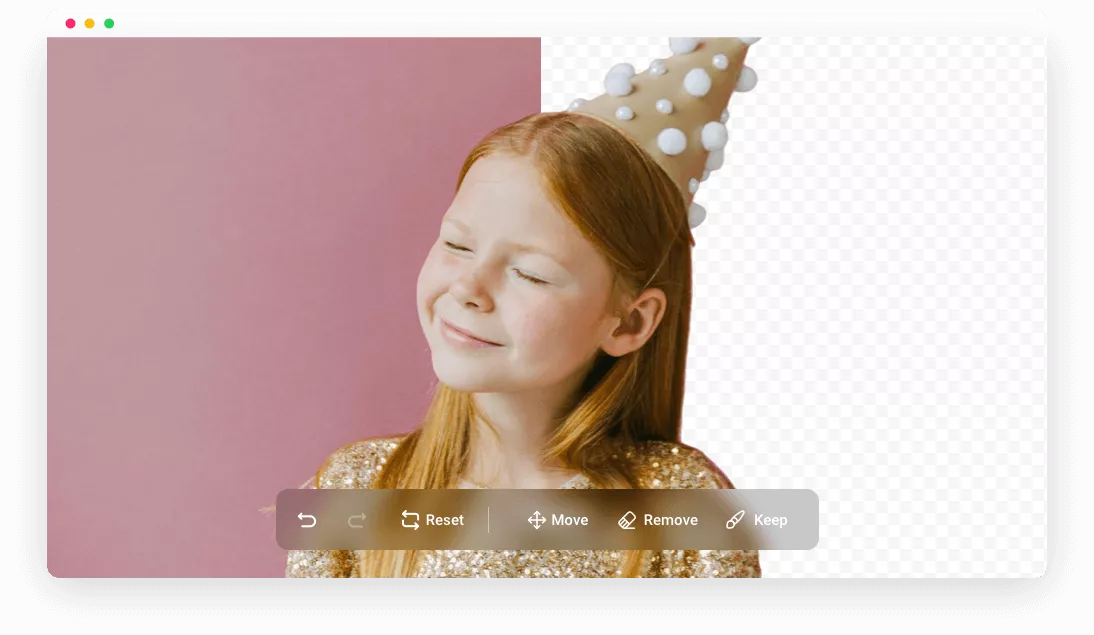
Make a transparent photo takes only several clicks! FlexClip keeps you away from tedious and time-consuming background removing process.

High Image Quality
FlexClip produces a transparent image up to 1080P resolution. No compromize on the original image's clearity!

100% Online
FlexClip’s transparent image maker doesn’t take up any CPU or storage room of your devices. Access it via browser and get a satisfying output.
Key Features of FlexClip Transparent Image Maker
Transparent Images Maker for All Scenarios
Whether you are designing a unique e-signature, assembling a group portrait, or crafting a product photo, FlexClip is an exceptional transparent image maker that caters to a myriad of all scenarios.
Make a Transparent Image Now
Accurate AI Transparent Image Maker
Utilizing the latest AI model, FlexClip identifies the key elements and pays meticulous attention to detail. Additionally, the brush tool helps remove or restore elements easily. Enjoy the high-quality image output and unparalleled flexibility at the same time!
Make a Transparent Image Now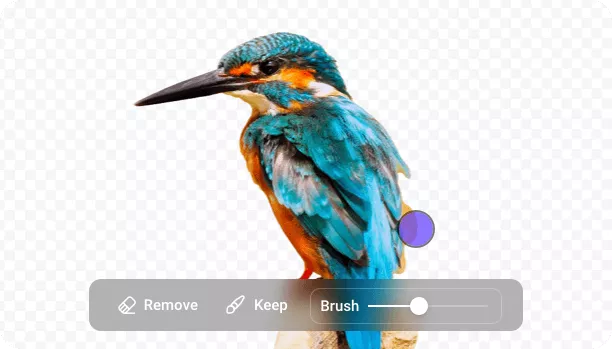
Unleash Design Potential of Transparent Images
Unlock your design potential with FlexClip's transparent image editor. Resize, blend, apply filters, or set solid colors or custom images as new backgrounds. Explore endless creative possibilities today!
Make a Transparent Image Now
How to Create a Transparent Image
- 1
Upload Your Image
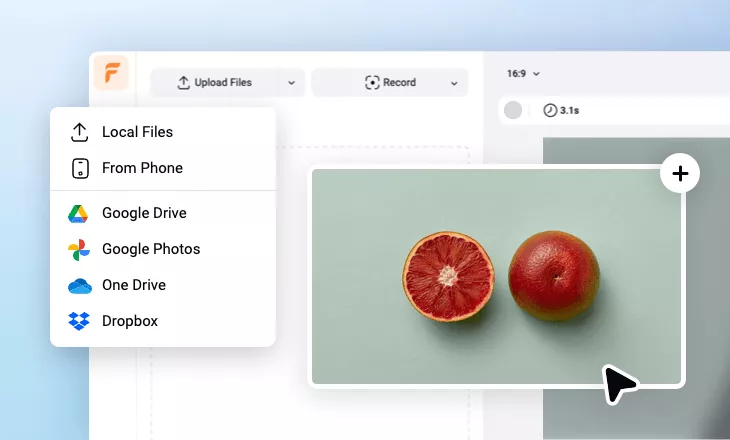
Choose a photo you want to create a transparent image with from a local folder. FlexClip supports batch background removal. You can upload up to 10 images at a time.
- 2
Remove Image Background
FlexClip will automatically start the image background removal process. The removal takes only several seconds.
- 3
Download or Keep Editing
Save the transparent image you just created or use it to create more stunning visuals. Jump to FlexClip's timeline to embrace more possibilities.